


How to Use Naver Map in English (2026): Search, Subway Directions & Exit Numbers
October 13, 2026 | by Korea Bestie

Naver Map in English is the single most useful app for getting around Korea. Many visitors find out on day one that Google Maps’ walking and transit directions here are patchy. This guide shows you how to switch Naver Map to English, search for places that only have Korean names, and follow subway directions down to the exit number.
Last checked: October 2026. App menus change between versions. If a button isn’t exactly where we describe it, look for the same word nearby.

Why Naver Map instead of Google Maps?
Korea has long restricted the export of detailed map data. As a result, Google Maps has historically shown limited walking and driving directions here. Google received a conditional approval in February 2026, but Naver Map is still the most complete for local walking routes, bus stops, real-time subway arrivals and Korean place listings. Most travellers keep Google Maps for saved lists and use Naver Map to actually get there.
How to switch Naver Map to English
- Install NAVER Map from the App Store or Google Play.
- Open the menu or profile icon, then Settings.
- Choose the language option and select English.
- If the language doesn’t change right away, close and reopen the app.
Menus, directions and most major place names switch to English. Some small shops and reviews stay in Korean. Reviews can be machine-translated.
Searching for places (the Korean name trick)
- Big sights and stations work in English: “Gyeongbokgung”, “Seoul Station”.
- For small cafés and restaurants, search the Korean name. Every Korea Bestie guide puts it in brackets, like Bukchon Hanok Village (북촌한옥마을). Copy and paste it into Naver Map.
- Searching by phone number is often the most accurate way to find a specific shop.
Reading subway directions
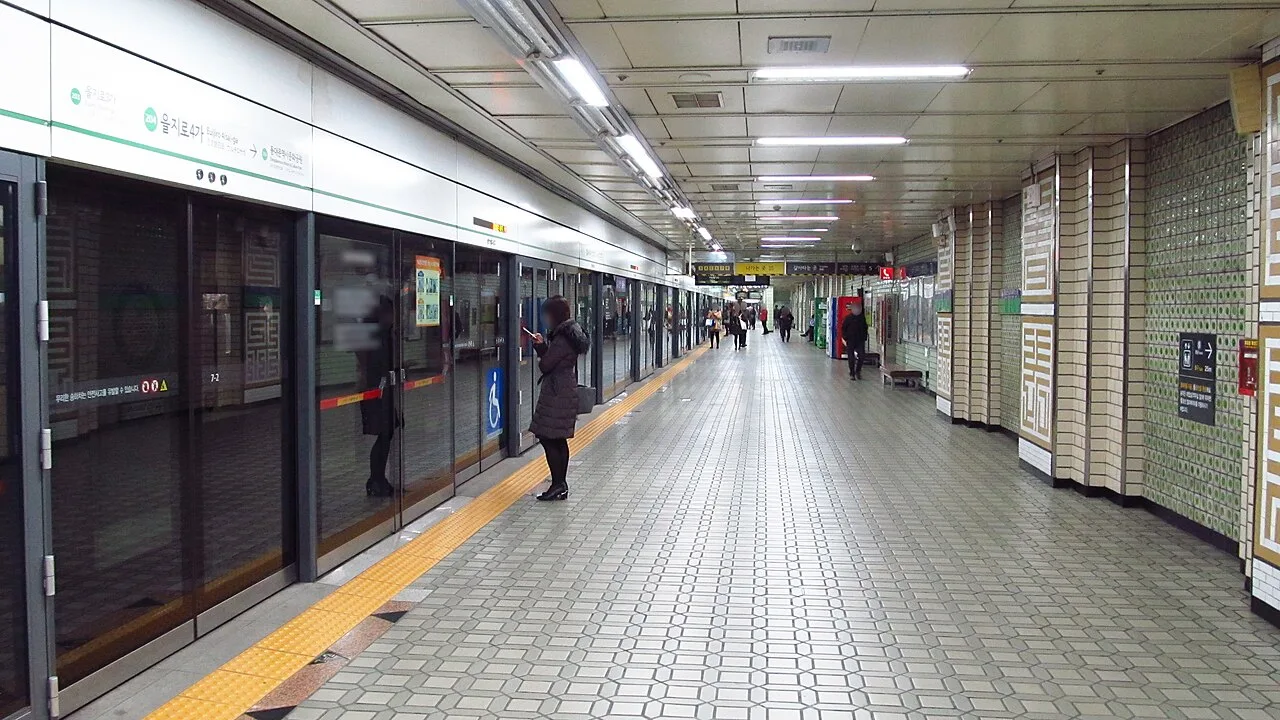
- Choose Directions and the transit tab. Routes show line colours, transfer stations and total time.
- Real-time arrivals tell you how many minutes until the next train or bus.
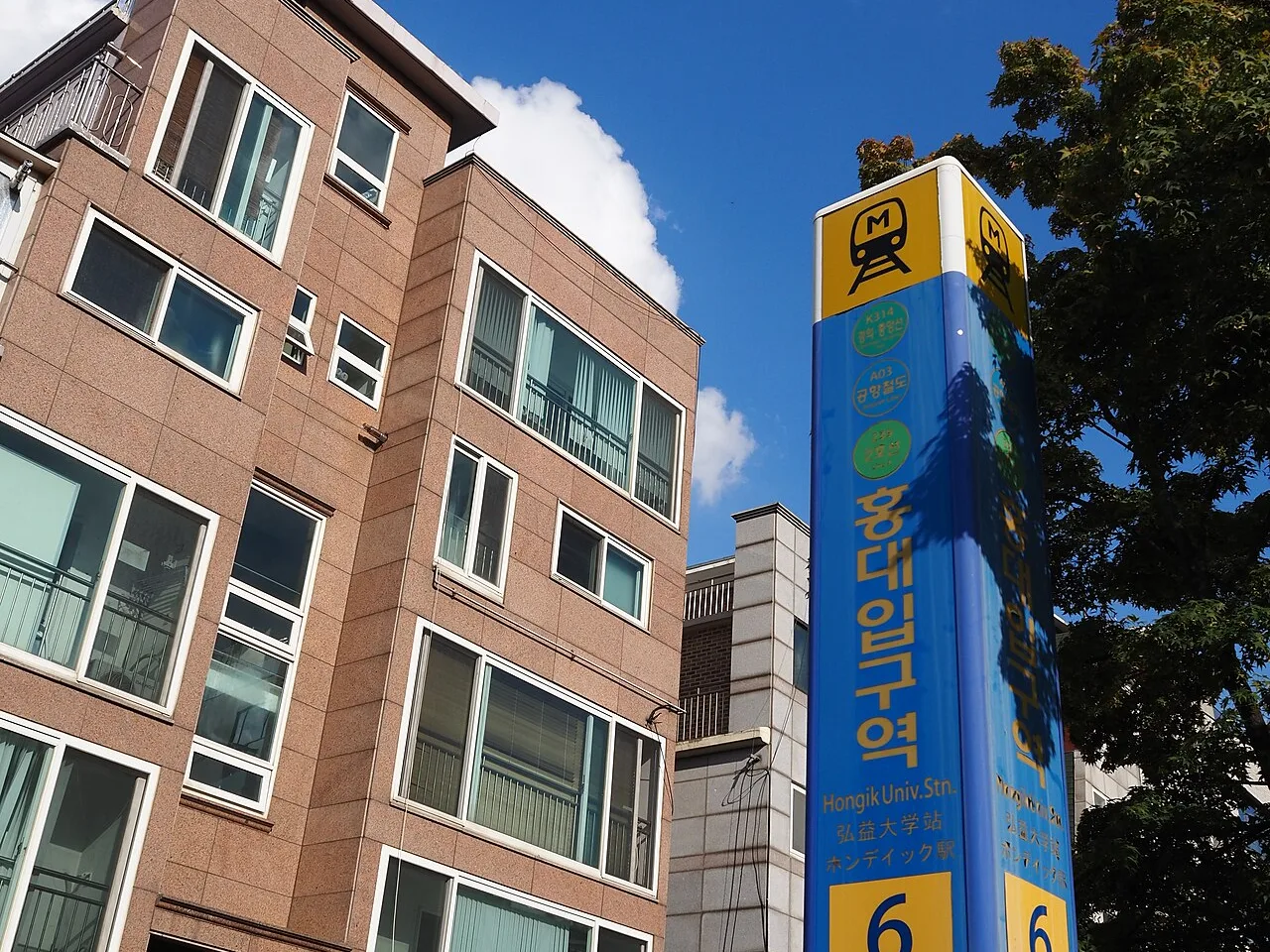
- The route tells you which exit number to take. Exit numbers are signposted in every station, so you can follow them without reading Korean.
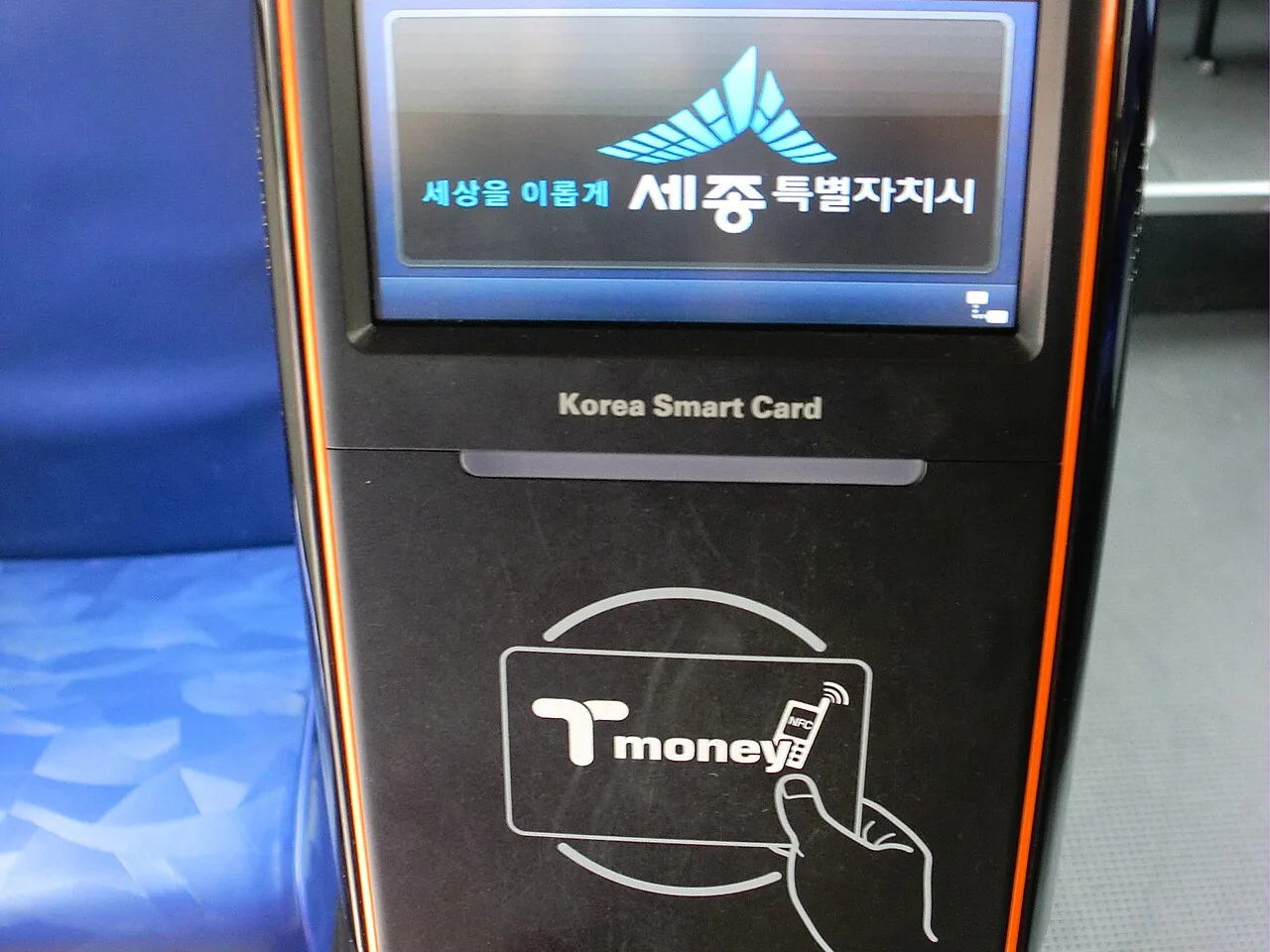
- For buses, it shows the stop name and number. Tap your T-money card when you get on and again when you get off.
Other useful tips
- Saving places needs a Naver account. Without one, keep your list in Google Maps and search each place in Naver Map when you go.
- Kakao Map is the main alternative and works much the same way.
- Keep mobile data on. Naver Map doesn’t work well offline.
Nearby on Korea Bestie
- T-money card guide — how to pay for the subway and buses
- Gyeongbokgung Palace guide — try a route to Gyeongbokgung Station, Exit 5
- Bukchon Hanok Village guide — walking routes and the 10 AM–5 PM rule
- Seoul luggage storage — find the lockers before you explore
FAQ
Is Naver Map free?
Yes.
Can I use Naver Map without a Korean phone number?
Yes, for search and directions. Some extras, like saving places or booking, need a Naver account.
Naver Map or Kakao Map?
Either works. Naver Map’s English mode is more widely recommended for visitors.
Sources: SeoulStart – why Google Maps lacks walking directions in Korea · Wise – how to use Naver Map in English · Trip.com – Naver Map English guide
Photos: Sergiy Galyonkin from Raleigh, USA / Wikimedia Commons, CC BY-SA 4.0 · LERK / Wikimedia Commons, CC BY-SA 4.0 · RyuMinjoo / Wikimedia Commons, CC BY-SA 4.0
RELATED POSTS
View all

T-money Card Guide (2026): Where to Buy, How to Top Up, Subway Fares & Refunds
October 13, 2026 | by Korea Bestie

Myeongdong Luggage Storage: Myeongdong Station Lockers, T-Luggage & Prices (2026)
October 13, 2026 | by Korea Bestie
Hongdae Luggage Storage: Hongik University Station Lockers, T-Luggage & Prices (2026)
October 13, 2026 | by Korea Bestie