


How to Use Naver Map in English (2026): Search, Subway Directions & Exit Numbers
October 13, 2026 | by Korea Bestie

Updated 26 November 2026 · By the Korea Bestie team
Naver Map in English is the single most useful app for getting around Korea. Many visitors find out on day one that Google Maps’ walking and transit directions here are patchy. This guide shows you how to switch Naver Map to English, search for places that only have Korean names, and follow subway directions down to the exit number.
Last checked: October 2026. App menus change between versions. If a button isn’t exactly where we describe it, look for the same word nearby.
⚡ Quick answer · key facts
- Switch to English menu or profile icon → Settings → Language → English.
- Search tip big sights work in English; for small cafés, paste the Korean name or search the phone number.
- Directions the transit tab shows line colors, transfers, live arrivals and the exit number to take.
- Offline it needs mobile data, so set up an eSIM or SIM first.

Table of contents
Why use Naver Map instead of Google Maps in Korea?
Korea has long restricted the export of detailed map data. As a result, Google Maps has historically shown limited walking and driving directions here. Google received a conditional approval in February 2026, but Naver Map is still the most complete for local walking routes, bus stops, real-time subway arrivals and Korean place listings. Most travellers keep Google Maps for saved lists and use Naver Map to actually get there.
How do I switch Naver Map to English?
- Install NAVER Map from the App Store or Google Play.
- Open the menu or profile icon, then Settings.
- Choose the language option and select English.
- If the language doesn’t change right away, close and reopen the app.
Menus, directions and most major place names switch to English. Some small shops and reviews stay in Korean. Reviews can be machine-translated.
How do I search for places in Naver Map?
- Big sights and stations work in English: “Gyeongbokgung”, “Seoul Station”.
- For small cafés and restaurants, search the Korean name. Every Korea Bestie guide puts it in brackets, like Bukchon Hanok Village (북촌한옥마을). Copy and paste it into Naver Map.
- Searching by phone number is often the most accurate way to find a specific shop.
How do I read subway directions in Naver Map?

- Choose Directions and the transit tab. Routes show line colours, transfer stations and total time.
- Real-time arrivals tell you how many minutes until the next train or bus.
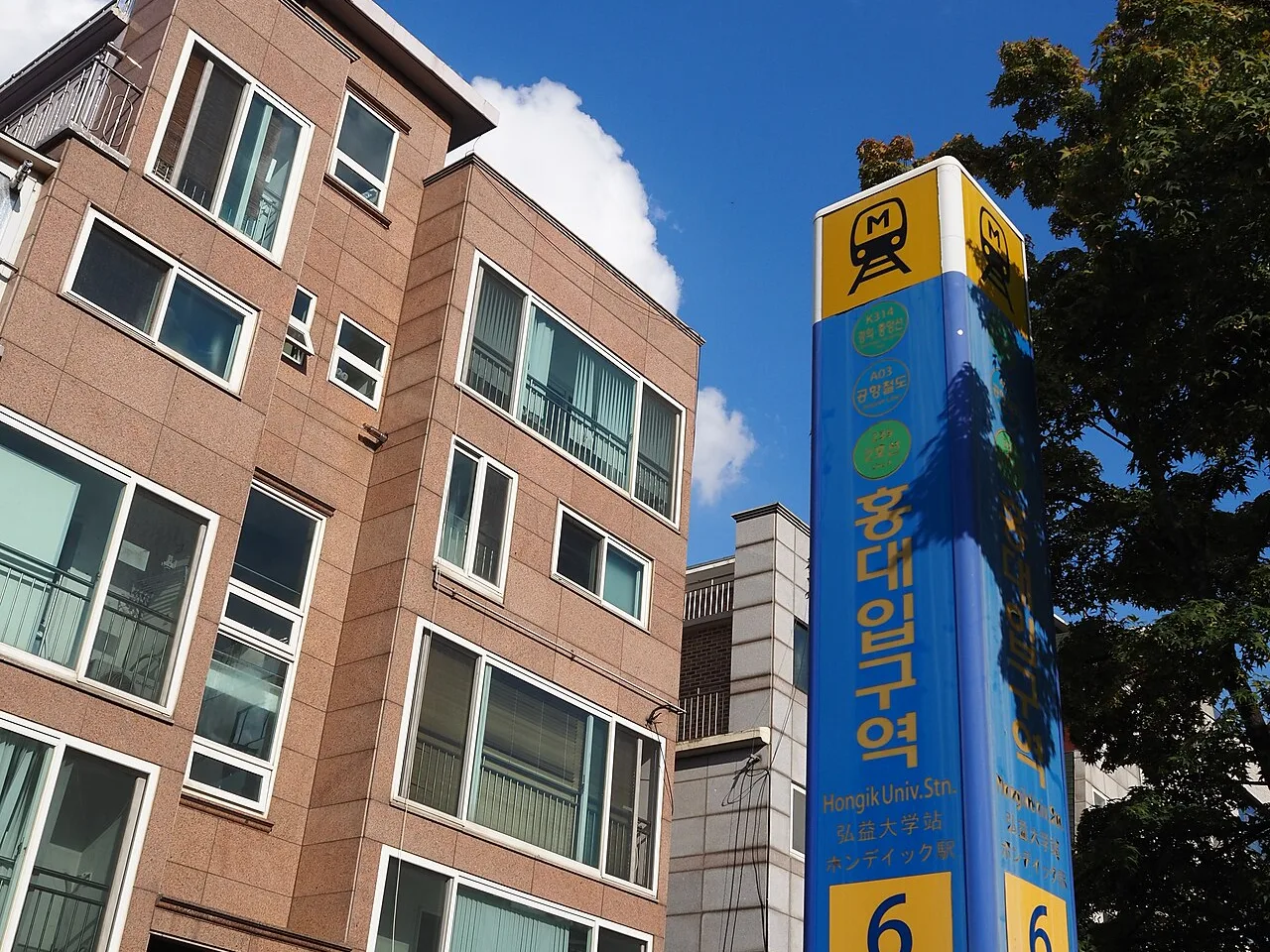
- The route tells you which exit number to take. Exit numbers are signposted in every station, so you can follow them without reading Korean.
- For buses, it shows the stop name and number. Tap your T-money card when you get on and again when you get off.
Other useful tips
- Saving places needs a Naver account. Without one, keep your list in Google Maps and search each place in Naver Map when you go.
- Kakao Map is the main alternative and works much the same way.
- Keep mobile data on. Naver Map doesn’t work well offline.
How do walking directions work?
Choose the walking tab after searching your destination. Naver Map shows the route on the map with turn-by-turn steps. Two things trip visitors up:
- Underground passages: around big stations, the route may take you through underground shopping arcades. Follow exit numbers, then the map.
- Hills and stairs: in areas like Bukchon or Namsan, the “short” route can mean steep stairs. Zoom in before choosing.
Can I use Naver Map with taxis?
Yes. Open a place, tap Share or copy the address, and paste it into Kakao T, or simply show the Korean address on screen to the driver. Every Korea Bestie guide also has a “Show this to your taxi driver” box with the Korean name and address.
What else does a place page show?
- Opening hours and days off, which are usually more up to date than on Google.
- Waiting lists and bookings for some restaurants. Many need a Korean phone number.
- Photos and reviews, mostly in Korean but with a translate button.
- Nearby subway exits and bus stops, handy for working out the last few hundred meters.
🧮 Plan it: Korea Travel Prices · Korea Travel Budget Calculator
FAQ
Do I need a Naver account?
No for searching and directions. Yes for saving places and writing reviews.
Naver Map or Kakao Map?
Both work well. Naver Map has slightly better English and more place listings; Kakao Map pairs naturally with Kakao T. See our map app comparison.
Does Naver Map work outside Korea?
It’s built for Korea. Use it once you’ve arrived.
Is Naver Map free?
Yes.
Can I use Naver Map without a Korean phone number?
Yes, for search and directions. Some extras, like saving places or booking, need a Naver account.
Naver Map or Kakao Map?
Either works. Naver Map’s English mode is more widely recommended for visitors.
Nearby on Korea Bestie
- T-money card guide — how to pay for the subway and buses
- Gyeongbokgung Palace guide — try a route to Gyeongbokgung Station, Exit 5
- Bukchon Hanok Village guide — walking routes and the 10 AM–5 PM rule
- Seoul luggage storage — find the lockers before you explore
Comparing apps? See Naver Map vs Kakao Map vs Google Maps.
Free: Seoul in 3 Days planner (PDF)
A 4-page printable plan with timings, closed days, Korean names to show taxi drivers, a budget and rainy-day swaps. Enter your email and we’ll send it, plus occasional new Korea guides (unsubscribe anytime).
Sources: SeoulStart – why Google Maps lacks walking directions in Korea · Wise – how to use Naver Map in English · Trip.com – Naver Map English guide
Photos: Sergiy Galyonkin from Raleigh, USA / Wikimedia Commons, CC BY-SA 4.0 · LERK / Wikimedia Commons, CC BY-SA 4.0 · RyuMinjoo / Wikimedia Commons, CC BY-SA 4.0
RELATED POSTS
View all


Achasan Tofu Lunch: Fresh Sundubu After an Easy Seoul Hike (Achasan Station)
November 28, 2026 | by Korea Bestie

Han River Ramen: How to Use the Convenience Store Ramen Machine (Our Yeouido Visit)
November 21, 2026 | by Korea Bestie

Seoul Taxi Overcharging (2026): How to Avoid Taxi Scams and Report a Driver
October 26, 2026 | by Korea Bestie